Textured 3D models up close
Drag any model to turn it. We modelled these five in code to show what full colour, metal and glaze look like on a real 3D object, as opposed to the single-colour reliefs and lithophanes the free converters make. Each one is also a free STL you can print.
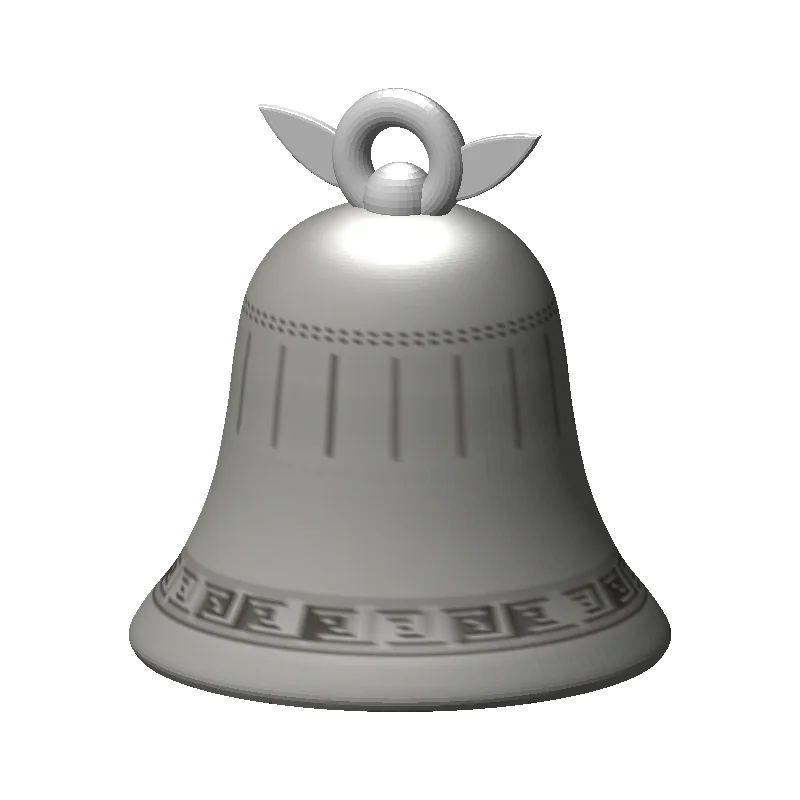
Antique silver bell · 61.2 × 61.2 × 64.9 mm · Modelled in code by STL Genie · Free STL (2.0 MB)
How it works
1Pick the picture
Any image that shows one object clearly works as input: a phone photo, a product shot, a character illustration, a 3D render or a shaded drawing. PNG, JPG and WebP are accepted. Sign in first; new accounts receive 8 credits.
2Choose Standard or HD
Standard (13 credits) returns the shape only. HD (25 credits) returns finer detail and a colour texture in the GLB. Set the height you want the model to be, and whether it should stand on a 2 mm base.
3The AI builds the model
A 3D generation model predicts the whole object, including the sides the picture does not show. Our repair service then merges vertices, closes holes, fixes normals and scales the mesh to your height. You can follow progress on the page.
4Turn it, then download
Rotate the result in the 3D preview and read the report card: size, triangles, separate parts, volume and a sampled wall thickness. Download GLB, STL or 3MF. If a job fails, the credits go back to your balance automatically.
Settings explained
Image to 3D has three settings. The picture decides most of the result; the settings decide how much detail you pay for and how the model arrives.
| Setting | What it does | Start with | Higher | Lower |
|---|---|---|---|---|
| Quality: Standard or HD | Standard returns untextured geometry. HD uses a stronger model class and adds a colour texture to the GLB. | Standard to check that a picture works, HD for the final model | HD: sharper features and a coloured GLB, 25 credits | Standard: 13 credits, one colour, often enough for printing |
| Target height (mm) | The model is scaled so its height on the Z axis matches this value, from 10 to 300 mm. | 80 mm for figures and objects; the size you will print at | More room for thin parts if you print it | Small prints lose fine features below the nozzle width |
| Add a 2 mm base plate | Adds a flat plinth under the model so it stands and prints with a solid first layer. | On for figures you will print, off for models going into a scene or game | On: steadier print, easier bed adhesion | Off: the shape exactly as reconstructed |
Using the model outside a printer
Not every image to 3D job ends on a print bed. The GLB opens directly in web viewers, Windows 3D Viewer, Blender, Unity and Unreal, and HD models carry their colour texture with them. Keep the GLB as the master file and treat STL and 3MF as print exports of the same shape.
- Web and AR: GLB is the format the <model-viewer> web component and most AR viewers expect.
- Blender: File → Import → glTF 2.0 brings in geometry and, on HD, the texture.
- Game engines: import the GLB, then add collision and a lower-detail version for distant views.
- Retopology: generated meshes are dense triangles; remesh or retopologise before rigging or animation.
3D models to print
Drag any model to turn it. We modelled these in code to show full-colour 3D objects; each one is a free STL you can download and print.
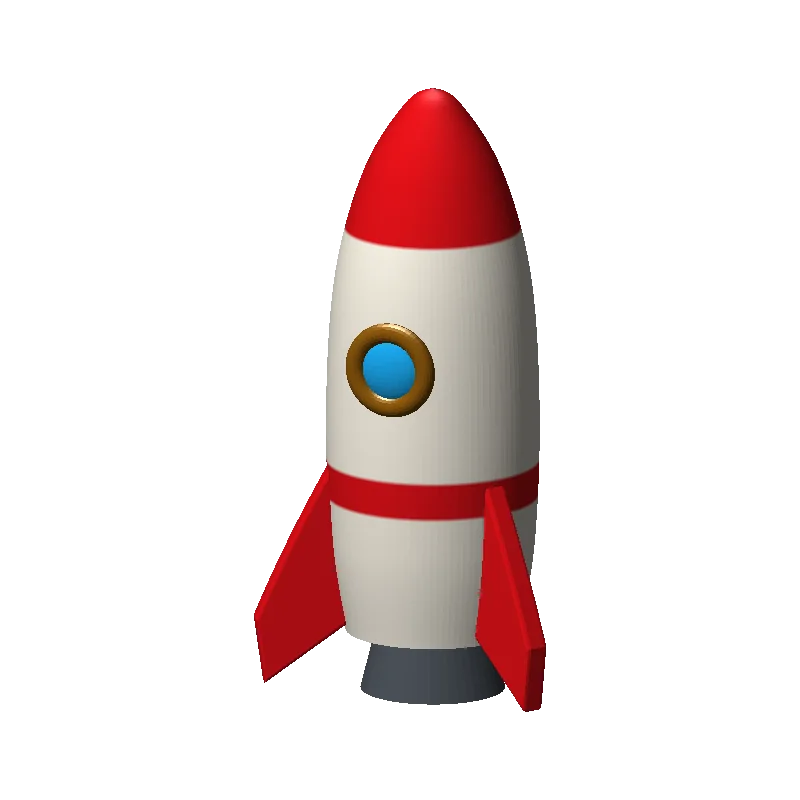
- Size
- 41.9 × 38.6 × 81 mm
- Triangles
- 34,912
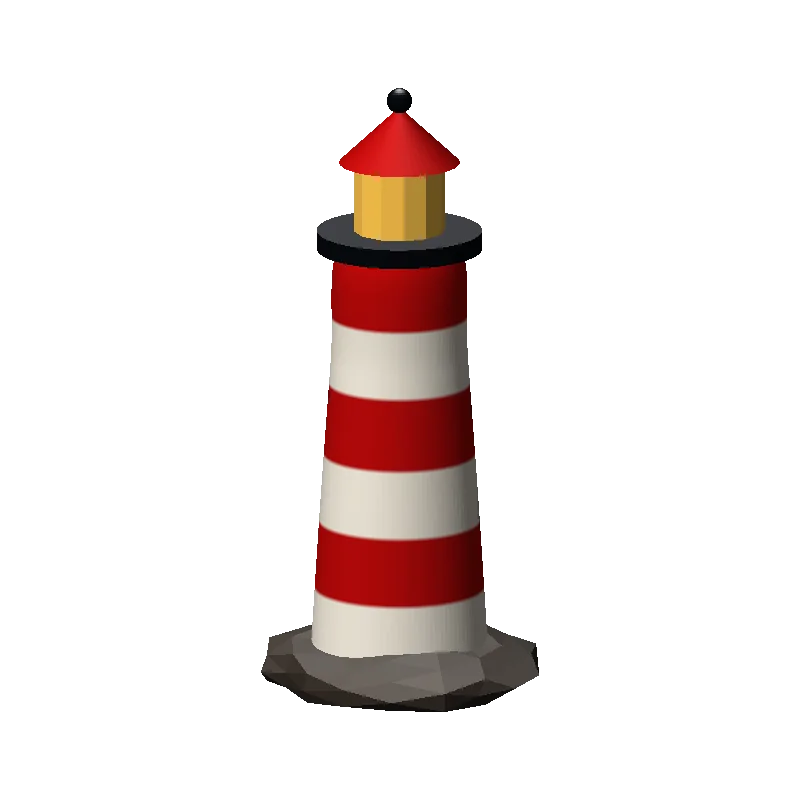
- Size
- 44.5 × 43.1 × 96 mm
- Triangles
- 24,436
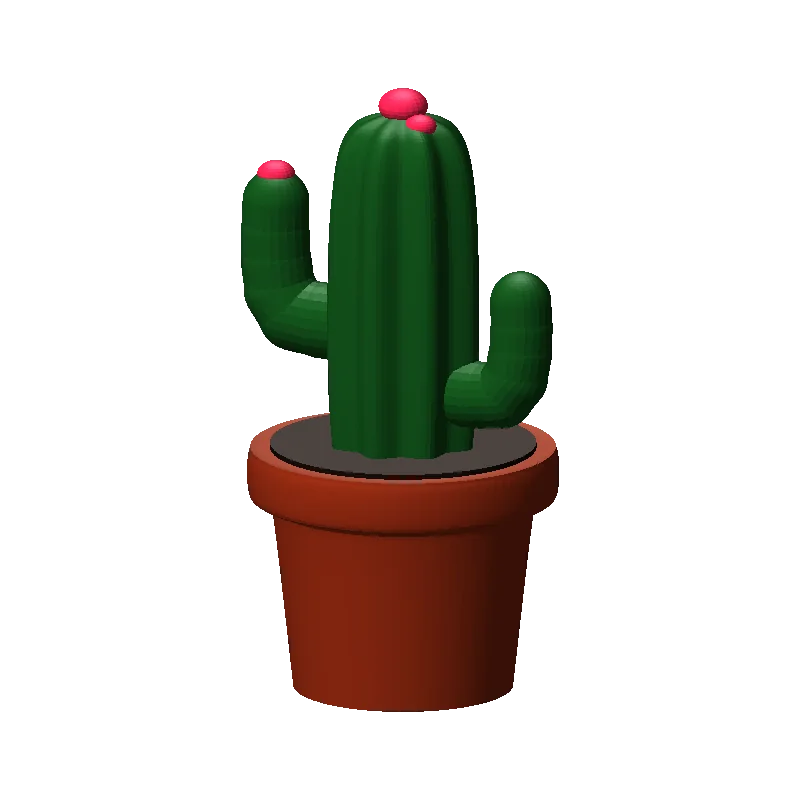
- Size
- 46.3 × 42.6 × 83.9 mm
- Triangles
- 66,832
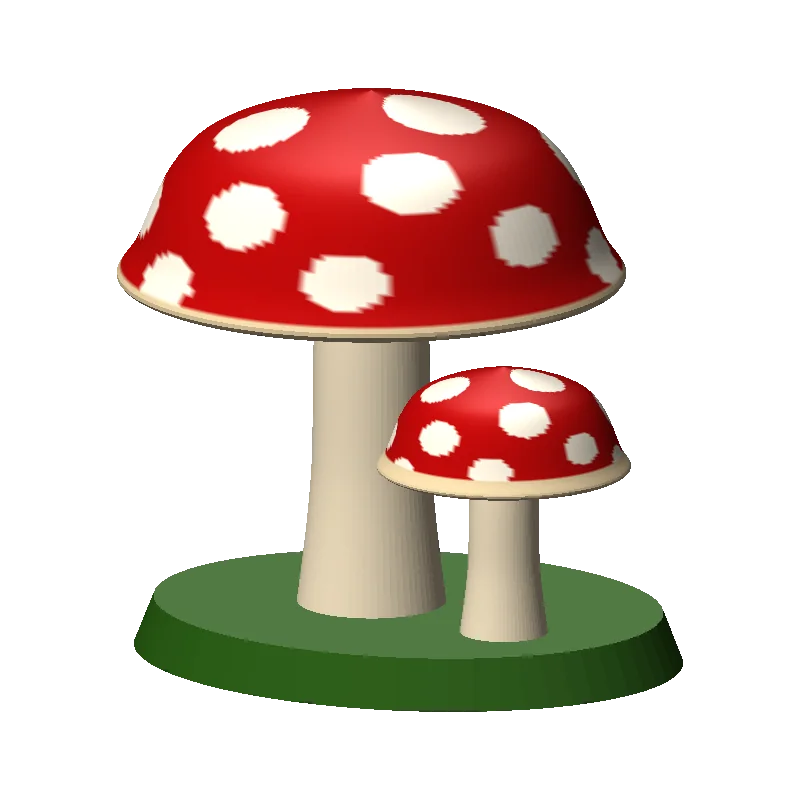
- Size
- 57.1 × 50.3 × 57 mm
- Triangles
- 84,736
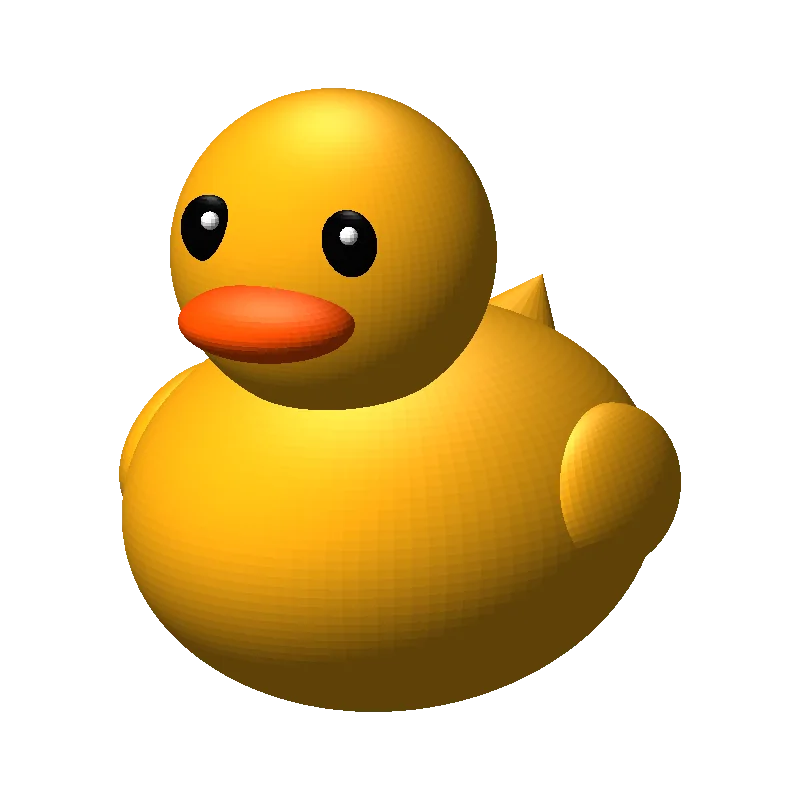
- Size
- 48 × 64.9 × 56.2 mm
- Triangles
- 34,208
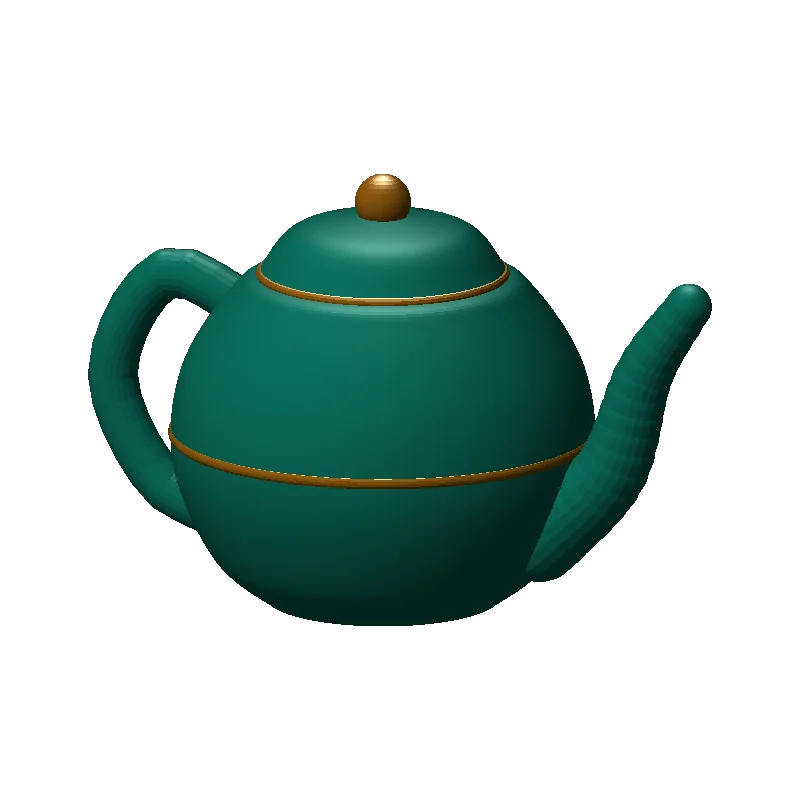
- Size
- 87.2 × 55.2 × 56.1 mm
- Triangles
- 99,744
Which image types work best
Pictures of one solid, matte object against a plain background give the cleanest models. Character art and renders work well because the shapes are clear and the lighting is even. Busy scenes, glass, chrome and line art give the AI the least to work with. The table sums up what to expect by image type.
These are general patterns of current single-image models, not measured success rates. We will publish our own measured results per tier once our benchmark run is finished.
| Image type | What usually happens | Tip |
|---|---|---|
| Phone photo of an object | Good overall shape; the back is predicted | Shoot from slightly above, three-quarter view, soft light |
| Product shot on white | Clean separation from the background, crisp silhouette | Use the shot that shows two sides, not the flat front |
| Character illustration | Clear volumes; style is kept fairly well on HD | A full-body pose with arms away from the body |
| 3D render or game screenshot | Even lighting helps; good proportions | Crop to one character or prop |
| Shaded pencil or paint sketch | Works if shading shows the form | Add shading; bare outlines carry no depth |
| Line art, logo, text | Poor: no depth information | Use the free logo to STL extrude tool instead |
| Room, landscape, group photo | Merged or partial objects | Crop to the one object you want |
Which file to download for what
Every finished job gives you GLB, STL and 3MF. GLB keeps geometry, materials and, on HD, the colour texture, so it is the file for viewing, scenes and games. STL and 3MF carry the shape in millimetres for slicers; 3MF is the newer format that Bambu Studio, PrusaSlicer and Orca Slicer open natively.
| You want to… | Download | Why |
|---|---|---|
| Show the model on a web page or in AR | GLB | One file with mesh and texture; the web standard |
| Edit or render it in Blender | GLB | Imports with materials; export to other formats from there |
| Put it in Unity or Unreal | GLB | Both import glTF; add collision and LODs yourself |
| Print it in one colour | STL or 3MF | Millimetre geometry sitting on Z = 0 |
| Paint the print afterwards | STL + HD GLB | Print the STL, keep the coloured GLB as a painting reference |
Image to 3D or a free relief?
Image to 3D rebuilds the object in the picture as a solid you can turn around. A relief or lithophane keeps the picture itself and raises it into a flat plate. For a figurine of your dog, use image to 3D; for the photo of your dog as a lamp panel, use the free tools.
| AI image to 3D | Free relief / lithophane | |
|---|---|---|
| Result | Full 3D object | Flat plate shaped by brightness |
| Cost | 13 or 25 credits | Free, no account |
| Runs | On our servers via a 3D model provider | In your browser; nothing is uploaded |
| Hidden sides | Predicted by the AI | Not applicable |
| Colour | HD: textured GLB | None; lithophanes show the picture when backlit |
How the model is built and checked
Your image goes to a 3D generation provider, which returns a mesh. Before you see it, our repair service merges duplicate vertices, removes degenerate faces, fills holes where it can, makes normals point outwards and drops tiny floating fragments. The mesh is then scaled to your height and placed on Z = 0.
The report card shows what the repair achieved. Watertight means every edge is shared by exactly two triangles, so slicers read the model as a solid. If the badge says needs checking, the repair could not close everything; most slicers fix small gaps on import, and the STL not watertight guide covers the rest.
Your images, rights and regions
Uploaded images and generated models are deleted automatically after 7 days. You may use what you generate commercially, subject to your rights in the source image and the terms of the provider used for your region. Some open-weight models are not licensed in the EU, UK or South Korea, so visitors there are routed to other providers.
Turning someone else's character, product or artwork into a 3D model does not give you the right to sell it. Upload pictures you made, own or have permission to use.
Troubleshooting
Part of the background became part of the model
The provider could not tell the object from what is behind it. Crop tighter or remove the background in an image editor, then upload a version with the object on plain white or a plain colour.
The character's arms or legs are fused to the body
Limbs touching the torso in the picture are read as one mass. Use art where arms and legs are clearly separated from the body, ideally a neutral standing pose.
My drawing came out flat or lumpy
Outlines alone carry no depth. Add shading to show which parts come forward, or use a rendered or painted version of the design. Logos and lettering are better made with the free extrude tool.
The GLB has no colour
Standard returns geometry only. Choose HD for a textured GLB. STL never stores colour in any case.
The job failed
Your credits were refunded automatically; your balance on the account page shows it. Try a clearer picture. If the same image fails twice, contact support with the job ID.
Frequently asked questions
Can AI turn any image into a 3D model?
It can turn most pictures of a single, solid object into a plausible 3D model. Busy scenes, transparent or mirror-like objects and pure line art give weak results, because the picture holds too little shape information.
Is image to 3D free?
The AI generation uses credits; new accounts get 8 credits to try it. Our relief, lithophane, logo and text tools are free and run in your browser, but they make flat or extruded parts rather than rebuilding an object.
What formats do I get?
GLB, STL and 3MF with every finished model. GLB for viewers, Blender and game engines; STL or 3MF for 3D printing.
Can I turn a character drawing into a 3D model?
Yes, if the drawing is shaded and shows one character with clearly separated limbs. Clean full-body art in a neutral pose works best. Flat line art usually does not.
Will the back of the model match my object?
Only roughly. One picture does not show the back, so the AI predicts it from what similar objects usually look like. The photo to 3D model page explains these limits in more detail.
Can I use the model in Blender or a game?
Yes. Import the GLB. Generated meshes are dense triangles, so for animation you would retopologise first, and for games add a lower-detail version.
Can I start from a text prompt instead of an image?
Not on this site at the moment. Generation starts from an image. If you only have an idea, make or find a picture of it first, ideally one object on a plain background.
Last updated 2026-11-22.