How it works
1Load the SVG
Drop an .svg file onto the converter. Every filled path is read as a closed outline, and holes inside shapes, such as the middle of an O, stay open. If the file contains paths with a stroke but no fill, the converter tells you how many it skipped.
2Set width, height and extras
Type the final width in millimetres and the extrusion height. Add a base plate with a margin to hold separate parts together, a small bevel for softer top edges, or a keychain hole. The SVG's own units do not matter: the width you set decides the size.
3Read the report card
Check the size, triangle count, watertight result and shell count. A single filled shape gives one shell; a logo with separate letters and no plate gives one shell per piece. Watertight no usually points to a problem path in the SVG.
4Download and print
Save the STL, 3MF or OBJ. Extruded SVGs have flat tops and vertical walls, so they slice into very few, simple layers and print quickly.
Settings explained
These are the extrude-mode settings and the defaults the converter opens with. The threshold slider only applies when you feed in a PNG or JPG for tracing; with an SVG, the paths are used exactly as drawn.
| Setting | What it does | Start with | Higher | Lower |
|---|---|---|---|---|
| Width (mm) | Overall width of the artwork, excluding the plate margin. | 60 mm (default). 40 to 50 mm for keychains. | Thin details become printable. | Features under about 0.8 mm may drop out in the slicer. |
| Height (mm) | How tall the shapes are extruded. | 5 mm (default). 2 to 3 mm on top of a plate. | Stronger standalone shapes, longer print. | Faster, but thin standalone parts become fragile. |
| Bevel (mm) | Chamfers the top edge of every shape. | 0 (default). 0.3 to 0.5 mm for keychains and badges. | Softer, moulded look; small details lose sharpness. | Crisp, square edges. |
| Base plate and plate thickness (mm) | Adds a solid plate under the artwork so all parts are joined. | Off by default; 2 mm thick when on. | Stiffer sign or badge. | Thinner plates flex and can lift from the bed. |
| Plate margin (mm) | How far the plate extends beyond the artwork. | 3 mm (default). | More border, room for a hole. | Tighter outline that follows the design closely. |
| Keychain hole and diameter (mm) | Cuts a round hole through the plate for a ring. | Off by default; 4 mm when on. 4 to 4.5 mm fits common split rings. | Easier to thread, weaker surrounding wall. | Too tight for most rings below about 3.5 mm. |
| Invert | Mainly for traced PNG and JPG input: swaps which side of the threshold becomes solid. | Off (default). | Not a slider: on makes the light side solid when tracing. | Off makes the dark side solid when tracing. |
Printing extruded SVG shapes
Extruded SVGs print flat side down, usually with no supports. For two-colour signs, add a colour change at the first layer above the plate. Keep standalone parts at least 2 mm tall and 1.5 mm wide so they survive removal from the bed, and use a brim for very small pieces.
- Plate on: the plate prints first and the artwork rises from it, ideal for colour swaps on single-nozzle printers.
- Plate off: each shape is a separate part; use a brim for pieces under 10 mm across.
- A 0.3 to 0.5 mm bevel hides the slight elephant foot at the top edge and feels better in the hand.
- Ironing, where your slicer offers it, gives a smooth finish to large flat tops.
- Cookie-cutter style outlines need walls of at least two nozzle widths, about 0.8 mm on a 0.4 mm nozzle.
3D models to print
Drag any model to turn it. We modelled these in code to show full-colour 3D objects; each one is a free STL you can download and print.
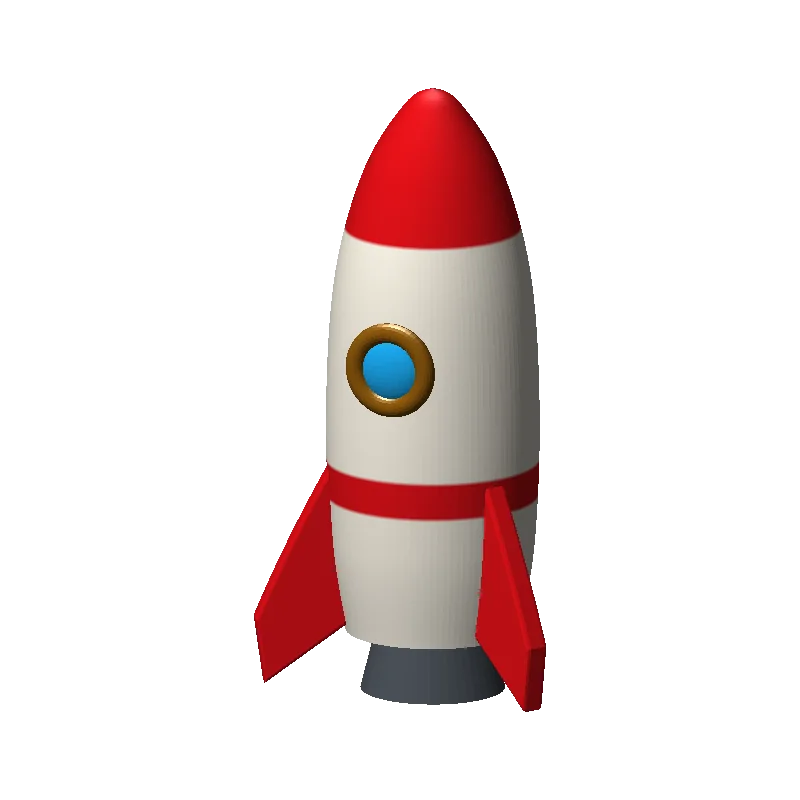
- Size
- 41.9 × 38.6 × 81 mm
- Triangles
- 34,912
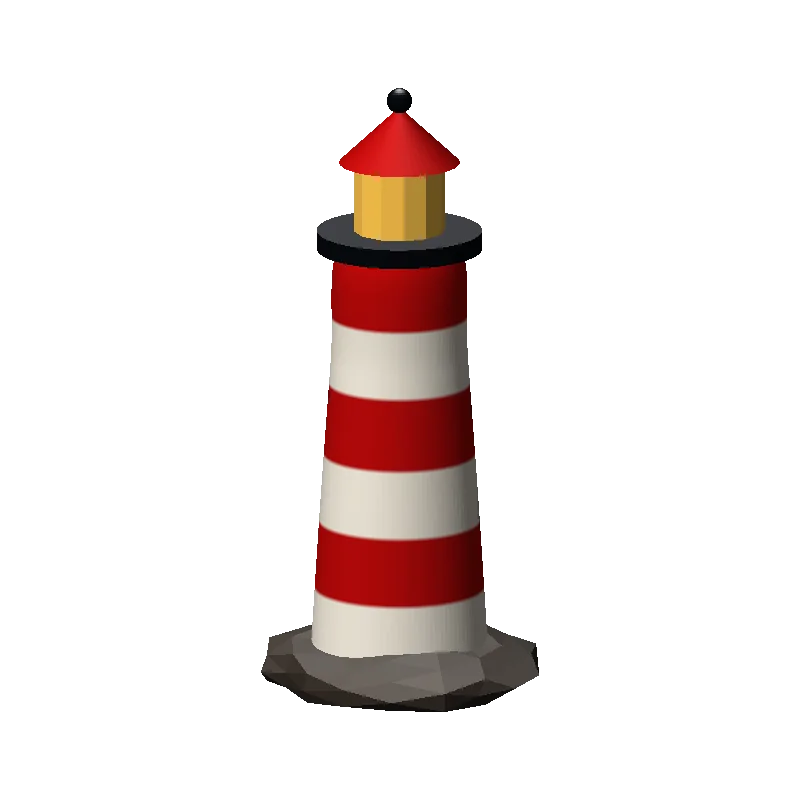
- Size
- 44.5 × 43.1 × 96 mm
- Triangles
- 24,436
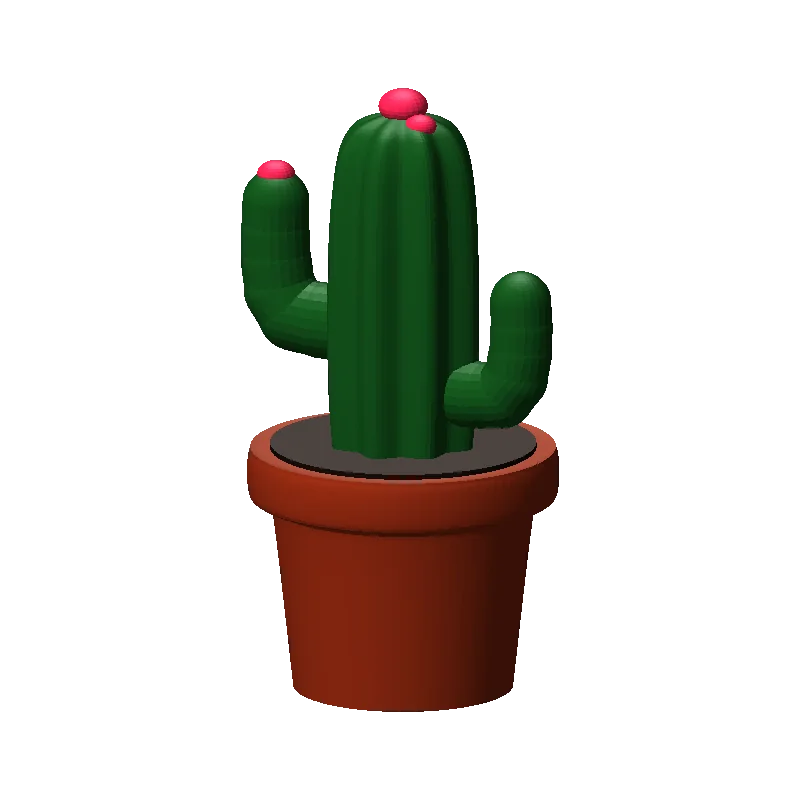
- Size
- 46.3 × 42.6 × 83.9 mm
- Triangles
- 66,832

- Size
- 57.1 × 50.3 × 57 mm
- Triangles
- 84,736

- Size
- 48 × 64.9 × 56.2 mm
- Triangles
- 34,208

- Size
- 87.2 × 55.2 × 56.1 mm
- Triangles
- 99,744
SVG to STL here vs Tinkercad, Bambu Studio and PrusaSlicer
Tinkercad imports SVG and extrudes it, then lets you combine it with other shapes. Recent Bambu Studio and PrusaSlicer versions can add an SVG as a part inside the slicer. This converter adds millimetre sizing, plate, hole, bevel and a print report in one step, and tells you which strokes it skipped.
Slicer SVG features change between releases, and how each one treats strokes, open paths and document units differs. Check your slicer version's documentation before relying on any of it. The table reflects general behaviour, not a test of a specific release.
| Tool | What it does with SVG | Plate and keychain hole | Stroke-only paths | Report before printing |
|---|---|---|---|---|
| STL Genie extrude | Extrudes filled paths to set height and width | Built in | Skipped and counted | Size, watertight, shells, grams |
| Tinkercad | Imports and extrudes; size set by import scale | Build by hand from primitives | Check current behaviour | None |
| Bambu Studio (recent versions) | Adds SVG as a part or modifier on a model | Model it yourself | Check your slicer version | Slice estimate |
| PrusaSlicer (recent versions) | Adds SVG as a part, can emboss onto surfaces | Model it yourself | Check your slicer version | Slice estimate |
Filled paths vs strokes: why some lines disappear
Only filled paths become solid. A line drawn with a stroke has no area in the SVG geometry; its width exists only as a display style. The converter therefore skips stroke-only paths and shows how many it skipped. Convert strokes to filled outlines in your vector editor and the lines will extrude.
- Inkscape: select the lines, then Path > Stroke to Path. Check the result has a fill and no stroke.
- Illustrator: Object > Path > Outline Stroke.
- Affinity Designer: Layer > Expand Stroke.
- Text in an SVG: convert it to paths first (Inkscape Path > Object to Path, Illustrator Type > Create Outlines), or type it in our Text mode instead.
Open paths, self-intersections and other SVG problems
An extrusion needs closed outlines that do not cross themselves. Open paths have no inside, and self-intersecting paths have an ambiguous inside, so both can produce missing faces or a mesh that is not watertight. Join open ends, and union overlapping shapes, before converting.
In Inkscape, Path > Union merges overlapping shapes into one clean outline, and selecting all nodes then Path > Join closes small gaps. In Illustrator, the Pathfinder Unite button does the same job. Many cut files for vinyl and laser machines are built from open lines that a cutter follows, which work for cutting but not for extrusion.
Other things that cause trouble: clipping masks (the hidden part is still in the file), embedded bitmap images (ignored, since they are not paths), and very complex files with thousands of tiny paths left over from auto-tracing. Simplify those first.
Units and viewBox: will my SVG come out the right size?
Yes, because the converter scales the artwork so its width equals the width you type, in millimetres. The SVG's width, height and viewBox only fix the proportions. That avoids the classic mix-up where a file drawn in pixels imports at the wrong scale in other tools.
Other programs do read the document units. Inkscape uses 96 pixels per inch, while some older tools assumed 72 or 90, so the same file can import at different sizes in different apps. If you take the SVG into Tinkercad or a slicer instead, compare the imported size with what you expect before printing.
Remember that the width setting excludes the plate margin. A 60 mm design with a 3 mm margin gives a 66 mm wide part, and a keychain hole adds a tab beyond that: the rocket example was set to 45 mm and came out 61.5 mm wide. The report card always shows the true outer size.
Vector vs traced bitmap: what the triangle counts show
A clean SVG gives the lightest possible mesh because each curve is followed precisely with few points. A traced PNG follows pixel edges and needs many more. In our examples the leaf SVG has 400 triangles and the traced paw keychain over 7,600. Both print fine; the SVG simply has smoother curves.
Shell count counts separate solid pieces in the file. The rocket and logo report several shells even with a plate because their raised shapes are separate solids standing on it; slicers handle that without trouble.
| Example | Source | Size (mm) | Triangles | Shells | Watertight |
|---|---|---|---|---|---|
| Leaf | SVG | 50 x 68 x 3 | 400 | 1 | Yes |
| Rocket keychain | SVG, plate and hole | 61.5 x 73.5 x 4 | 1,016 | 5 | Yes |
| Logo badge | PNG traced, plate | 64 x 64 x 4.6 | 4,280 | 12 | Yes |
| Paw keychain | PNG traced, plate, hole, bevel | 56.5 x 47.7 x 4.4 | 7,612 | 6 | Yes |
Source: Measured on STL Genie, November 2026 (Intel i7-8700, Node 22).
When to use Text mode instead of an SVG
If your design is only words, Text mode is quicker than drawing an SVG. Type up to 80 characters over several lines, choose one of five bold fonts and set the letter height in millimetres. The plate, bevel and keychain hole work the same way as in extrude mode.
Use an SVG when you need a specific brand typeface, letters combined with a graphic, or custom kerning. Convert the text to paths before exporting, otherwise the file only references a font name the converter cannot see.
Troubleshooting
Some lines in my SVG are missing from the STL
Those were stroke-only paths, which have no fill to extrude; the converter shows how many it skipped. Convert them with Stroke to Path in Inkscape or Outline Stroke in Illustrator, save, and load the file again.
Holes in letters filled in, or shapes became holes
Fill rules and path direction decide what counts as inside. Overlapping subpaths and mixed directions can flip a hole into a solid. Union the shape in your vector editor so each letter is one clean outline with its counters as true holes.
The report card says not watertight
Look for self-intersecting paths, zero-width slivers or open paths in the SVG. Run Path > Union in Inkscape or Unite in Illustrator, delete tiny stray paths, and convert again. A plate also helps by joining small fragments into one solid.
Nothing appears after loading the SVG
The file probably contains only strokes, only text that was not converted to paths, or an embedded bitmap. Check it in a vector editor; if it is really a bitmap inside an SVG wrapper, export the image as PNG and use the PNG to STL tracing route instead.
Thin parts print stringy or break off
Details narrower than about 0.8 mm are below two nozzle widths on a 0.4 mm nozzle. Increase the width, thicken the thin parts in the SVG, or add a plate so they are supported. Avoid a large bevel on fine detail.
Frequently asked questions
How do I convert an SVG to STL for free?
Drop the SVG on this page, set the width and extrusion height in millimetres, optionally add a plate or keychain hole, and download the STL. It runs in your browser with no upload or account.
Why did my SVG lines not convert to 3D?
Because they are strokes, not filled shapes. Strokes have no area to extrude, so they are skipped and counted. Convert strokes to paths in your vector editor first.
Can I turn an SVG into a 3D model with depth, not just a flat extrusion?
This converter makes straight extrusions with an optional bevel, which is what logos, signs and keychains need. For sculpted, rounded 3D forms you need a modelling program such as Blender, or a different approach entirely.
Can Bambu Studio or PrusaSlicer import SVG directly?
Recent versions of both can add SVG shapes inside the slicer. Features and stroke handling differ by version, so check yours. A separate STL is handy when you want a plate, hole and size report without modelling them.
What size will my SVG be after conversion?
Exactly the width you type, in millimetres, plus any plate margin on each side. The SVG's own units only set the proportions, so files drawn in pixels or inches still come out right.
Can I make an SVG keychain?
Yes. Turn on the base plate and the keychain hole, set the width to around 40 to 50 mm and add a small bevel. The rocket example shows the result: a 61.5 x 73.5 x 4 mm part with a 4.5 mm hole.
Do SVG cut files from Cricut or laser designs work?
Often, if they use closed, filled shapes. Cut files made of open lines for a blade or laser to follow need their paths closed and filled before they will extrude.
Last updated 2026-11-18.