How it works
1Type the text
Enter up to 80 characters. Press Enter for a new line, which is handy for two-line door signs or a name above a job title. The preview updates as you type.
2Choose the font and size
Pick from Helvetiker, Optimer, Gentilis, Droid Sans or Droid Serif, all in bold. Font size is the em height in millimetres, the same convention CAD tools and slicers use, so 20 mm text has capitals a little shorter than 20 mm.
3Add a plate, hole or bevel
Turn on the base plate to join the letters into one piece, set its thickness and margin, and add a keychain hole if it will hang. A small bevel softens the top edges of the letters.
4Download and slice
Download STL, 3MF or OBJ. The report card shows the size, a watertight check and the filament estimate. For two-colour lettering, add a colour change at the height where the letters start.
Settings explained
Defaults give 20 mm bold letters standing 5 mm tall with no plate. For a nameplate, turn the plate on; for a keychain, add the hole and reduce the height to around 2 to 3 mm.
| Setting | What it does | Start with | Higher | Lower |
|---|---|---|---|---|
| Font | Five bold typefaces: Helvetiker, Optimer and Gentilis (MgOpen licence), Droid Sans and Droid Serif (Apache 2.0). | Helvetiker Bold or Droid Sans Bold for small text | Serif fonts (Optimer, Gentilis, Droid Serif): more character, thinner serifs | Sans fonts: even strokes that print cleanly at small sizes |
| Font size (mm) | Em height of the font in millimetres (2 to 200). | 20 mm (default); 12 to 16 mm for keychains | Thicker strokes, easier to print, larger object | Strokes may drop below two nozzle lines and print thin or broken |
| Height (mm) | How far the letters rise. | 5 mm (default) without a plate; 2 to 3 mm on a plate | Bolder look, more filament, letters can snap off a plate if very tall and thin | Quicker, flatter look |
| Base plate | A rectangular plate under the text, with a thickness (default 2 mm) and a margin around the text (default 3 mm). | On for nameplates and keychains | Thicker plate: stiffer, heavier sign | Off: separate letters, for gluing to another surface |
| Keychain hole | Adds a tab with a hole on the left end of the plate (and turns the plate on); diameter default 4 mm. | 4 to 5 mm for most split rings and lanyards | Easier to thread, needs more plate around it | Neater, but thick rings will not fit |
| Bevel (mm) | Chamfers the top edges of the letters. | 0 (default); 0.3 mm on keychains | Softer edges, can blunt small letters | Crisp, sharp edges |
Printing 3D text cleanly
Print text flat on the bed with the plate down. For a 0.4 mm nozzle, keep every stroke at least about 0.8 mm wide, two extrusion lines, which with bold fonts commonly means a font size of 10 mm or more. Check the slicer preview for strokes that show as a single line or gaps.
- Use the slicer preview at the first text layer: strokes should show two or more lines, not one.
- Arachne-style variable line width (default in recent PrusaSlicer, Bambu Studio and OrcaSlicer) helps thin strokes.
- Letters taller than 5 mm on a thin plate can wobble; keep height under about three times the stroke width.
- A 0.16 to 0.2 mm layer height is plenty for flat text; fine layers add time without visible benefit on top faces.
- For a crisp top face, enable ironing on the topmost layer only, if your slicer offers it.
3D models to print
Drag any model to turn it. We modelled these in code to show full-colour 3D objects; each one is a free STL you can download and print.
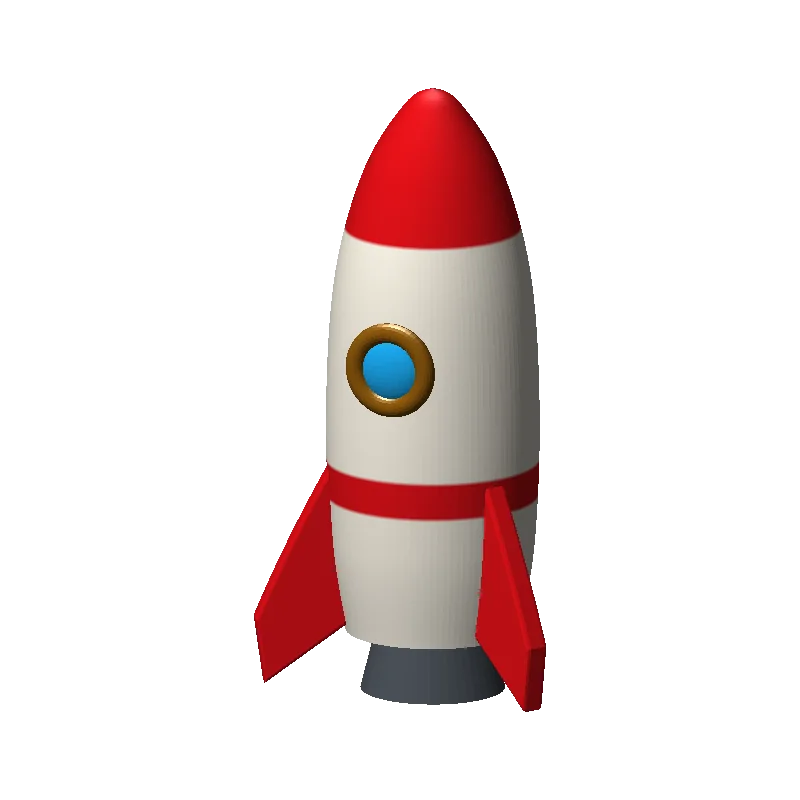
- Size
- 41.9 × 38.6 × 81 mm
- Triangles
- 34,912
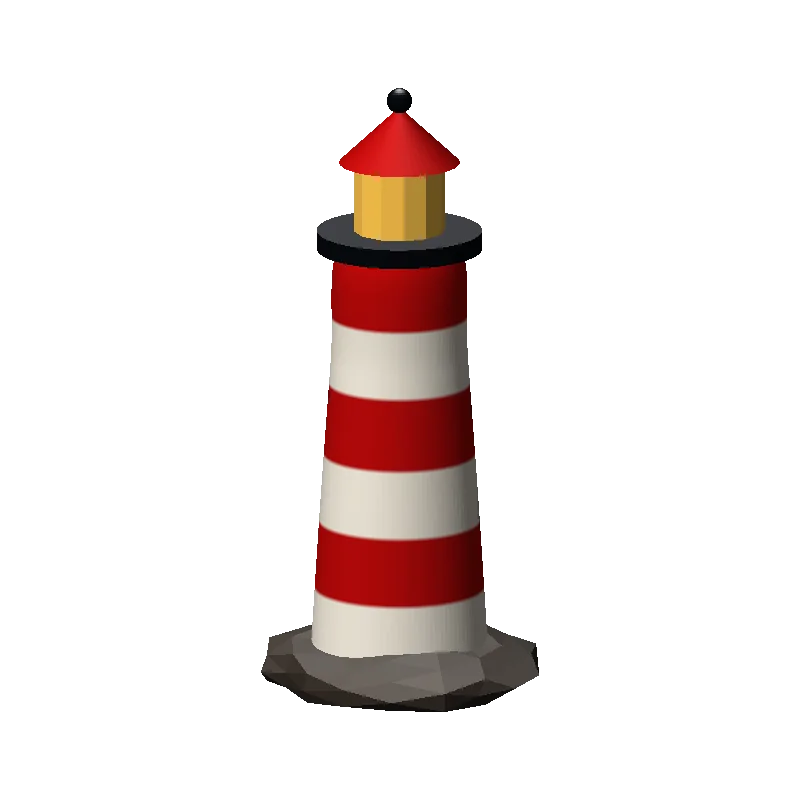
- Size
- 44.5 × 43.1 × 96 mm
- Triangles
- 24,436
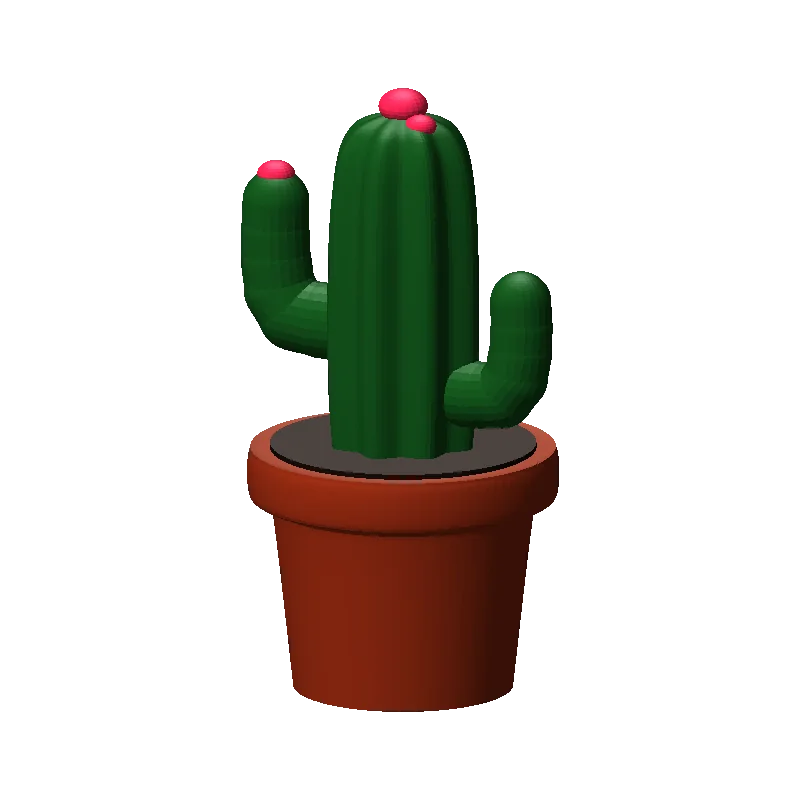
- Size
- 46.3 × 42.6 × 83.9 mm
- Triangles
- 66,832
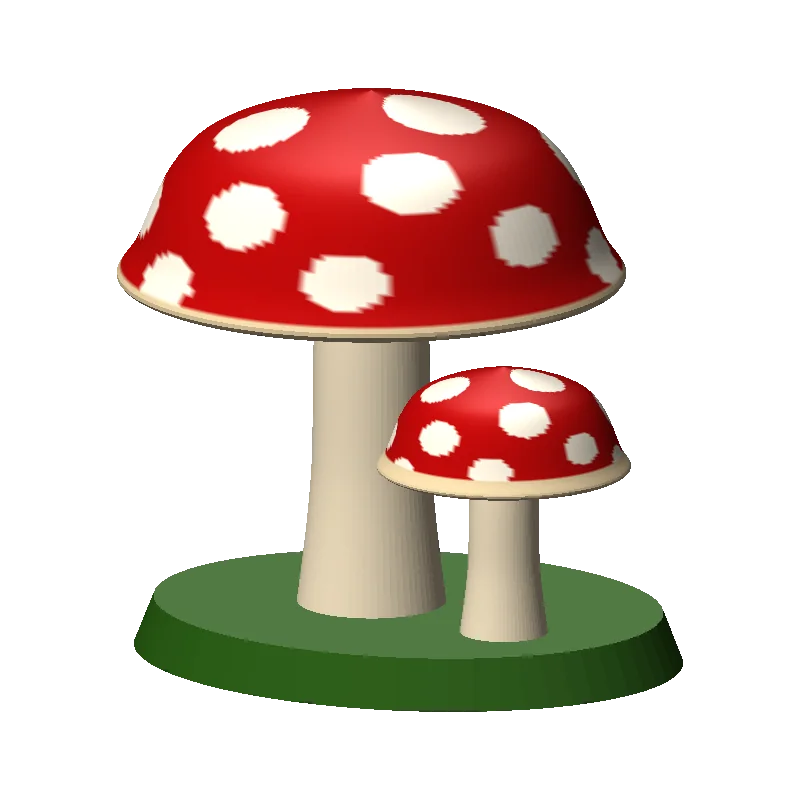
- Size
- 57.1 × 50.3 × 57 mm
- Triangles
- 84,736
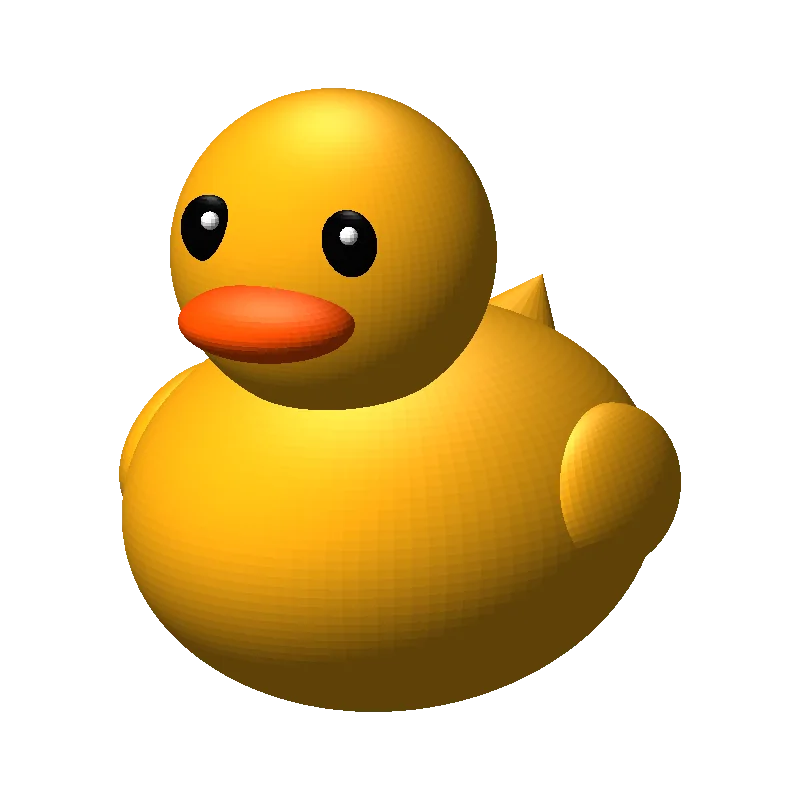
- Size
- 48 × 64.9 × 56.2 mm
- Triangles
- 34,208
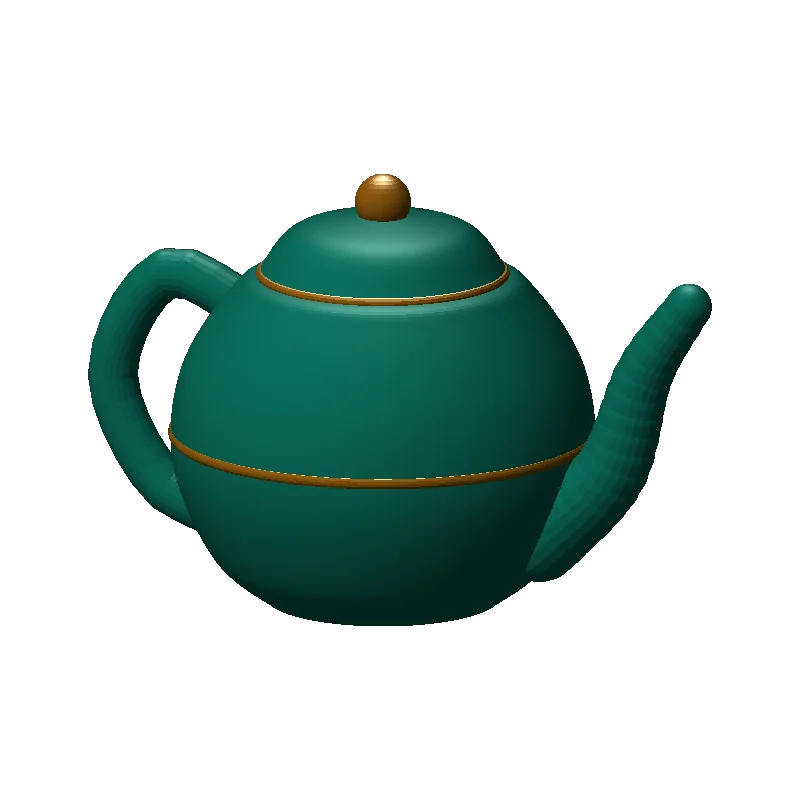
- Size
- 87.2 × 55.2 × 56.1 mm
- Triangles
- 99,744
Text to STL options compared
Slicers such as Bambu Studio and PrusaSlicer now include text tools that emboss text onto a model, and Tinkercad has a text shape. A browser STL generator is useful when you want a standalone file with a plate, hole and report card, or a slicer without a text tool.
If your text is part of a logo or a hand-drawn signature, switch to the extrude tab and upload it as an SVG or PNG instead.
| Option | Fonts | Plate and hole | Output | Cost |
|---|---|---|---|---|
| STL Genie text | Five bold fonts, licences stated | Built in, sized in mm | STL, 3MF, OBJ, report card | Free, no account |
| Slicer text tool (Bambu Studio, PrusaSlicer) | System fonts on your computer | Text added to an existing part; features vary by version | Inside the project | Free |
| Tinkercad text shape | A small built-in set | Build the plate and hole by hand | STL, OBJ | Free account |
| CAD (Fusion, Onshape, FreeCAD) | System fonts | Anything you model | Any | Free tiers vary |
Fonts and their licences
All five fonts can be used in prints you sell. Helvetiker, Optimer and Gentilis come under the MgOpen licence, which allows use, copying and selling as part of a larger work but not selling the font on its own. Droid Sans and Droid Serif are under Apache 2.0. Exported letters are geometry, not font files.
| Font | Style | Licence | Good for |
|---|---|---|---|
| Helvetiker Bold | Sans serif, wide | MgOpen | Nameplates, small text, keychains |
| Optimer Bold | Flared sans | MgOpen | Signs with a softer, classic look |
| Gentilis Bold | Serif | MgOpen | Names and gifts, at larger sizes |
| Droid Sans Bold | Sans serif, compact | Apache 2.0 | Labels and long text in limited width |
| Droid Serif Bold | Serif | Apache 2.0 | Formal plaques |
Minimum stroke width for a 0.4 mm nozzle
A 0.4 mm nozzle commonly lays lines about 0.4 to 0.45 mm wide. Strokes narrower than two lines, about 0.8 mm, print as a single thin wall or not at all. Bold fonts reach that comfortably at around 10 mm and above; serif hairlines need larger sizes. Check the slicer preview to be sure.
The weakest parts are usually serifs, the crossbar of e and a, and the joins in letters like k and x. If they look broken in the preview, raise the font size, switch to a sans font, or use a 0.2 mm nozzle for small lettering.
Font size here is the em height, so the actual capital letters are somewhat shorter than the number you type. Measure the result on the report card rather than assuming the font size equals the letter height.
Making a desk nameplate
Turn on the base plate, set the font size to around 14 to 20 mm, the letter height to 3 mm and the plate to 3 mm with a 5 mm margin. Two lines work well: a name and a role. Print plate down. A colour change at the top of the plate makes the letters stand out.
Our nameplate example uses 14 mm Helvetiker Bold, 3 mm letters and a 3 mm plate with a 5 mm margin, giving a piece about 122 by 24 mm. If you want it to lean back on a desk, prop it in a printed stand or glue a small wedge behind it.
Multi-colour text with a layer swap
The simplest two-colour sign needs no multi-material printer. Print the plate in one colour, pause or add a colour change at the first layer of the letters, swap filament and continue. In the slicer, add the change at the plate thickness, for example 2 mm or 3 mm.
- Find the first layer above the plate in the slicer layer slider.
- Add a colour change (M600) or a pause there; Bambu Studio, PrusaSlicer and OrcaSlicer all support this.
- Use a dark plate and light letters, or the reverse, for readable contrast.
- With an AMS or MMU you can also assign the letters as a separate part, but a single swap is enough for flat text.
Text to STL for keychains, tags and labels
For a keychain, use 12 to 16 mm text, 2 to 2.4 mm letters, a 2 mm plate with a 3 mm margin, a 4 to 5 mm hole and a 0.3 mm bevel. The rounded edges feel better in a pocket. For labels on boxes, skip the hole and keep the plate thin.
Our name keychain example, Ava in Gentilis Bold at 16 mm with a 4.5 mm hole, comes out about 53 by 21 mm and weighs about 3 grams of PLA.
Troubleshooting
Some letters are missing or broken in the slicer
Strokes are narrower than the nozzle can print. Increase the font size, choose a sans font, or enable variable line width in your slicer. Look at the first letter layer in the preview to find the thin parts.
Letters fell off the plate
This happens when the base plate is off and letters print as separate pieces, or when tall thin letters are knocked by the nozzle. Turn the plate on and keep letter height to 2 to 3 mm.
The keychain hole is too small for my ring
Split rings and lanyard clips vary. Raise the hole diameter to 5 mm. The tab around the hole is sized automatically with at least 2 mm of plastic on each side, so a larger hole stays strong.
The text is the wrong size
Font size is the em height, not the height of a capital letter. Read the actual dimensions on the report card. If the slicer shows a tiny model, it is reading the file as inches; choose millimetres.
Special characters or accents do not appear
The bundled fonts cover Latin characters but not every symbol or script. Characters a font lacks show up as a question mark or are left out. Try a different font, or export the text as an SVG from a design tool and use the extrude tab.
Frequently asked questions
How do I convert text to an STL file for free?
Type the text above, choose a font and size, and click download. The STL is built in your browser with no account. You can also add a backing plate, a keychain hole and a bevel before downloading.
What is the best font for 3D printed text?
A bold sans-serif such as Helvetiker Bold or Droid Sans Bold prints most reliably because its strokes are even and wide. Serif fonts look good at larger sizes but their thin serifs can break at small sizes.
Can I sell 3D prints made with these fonts?
Yes. The MgOpen licence allows use in products you sell as long as the font itself is not sold on its own, and Apache 2.0 allows commercial use. The STL contains letter shapes, not the font file.
What is the smallest text I can 3D print?
With a 0.4 mm nozzle, bold text around 10 mm font size and up commonly prints clean. Smaller text is possible with a 0.2 mm nozzle or as engraved rather than raised text.
Is this an STL generator for other shapes too?
Yes. Switch to the extrude tab to turn an SVG or a black-and-white PNG into a 3D shape, or use the relief and lithophane tools for photos. The AI tool rebuilds full 3D objects from photos for credits.
How do I make two-colour text on a single-nozzle printer?
Add a colour change in your slicer at the layer where the letters start, which is the plate thickness. The printer pauses, you swap filament, and it continues with the letters in the new colour.
Can I make multi-line text?
Yes. Press Enter between lines. The limit is 80 characters in total, which covers names, short signs and two-line nameplates.
Last updated 2026-11-18.