Textured 3D models up close
Drag any model to turn it. We modelled these five in code to show what full colour, metal and glaze look like on a real 3D object, as opposed to the single-colour reliefs and lithophanes the free converters make. Each one is also a free STL you can print.
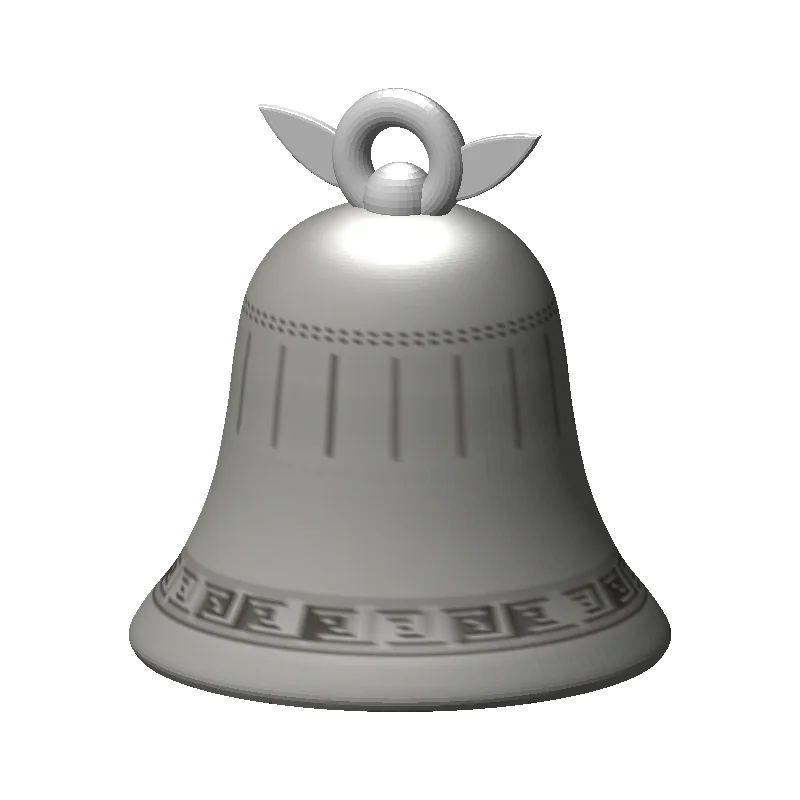
Antique silver bell · 61.2 × 61.2 × 64.9 mm · Modelled in code by STL Genie · Free STL (2.0 MB)
How it works
1Upload one clear photo
One object, centred, sharp, in even light. The image is stored only for the job and deleted automatically after 7 days. Sign in first; new accounts receive 8 credits to try it.
2The AI reconstructs the shape
A 3D generation provider estimates the full shape, including the hidden back, and returns a GLB mesh. Standard uses TRELLIS for geometry; HD uses a Tripo or Rodin class model with finer detail and colour texture.
3We repair and scale it
Our service merges vertices, fills holes, fixes normals, drops small floating pieces, scales the model to your target height and sets it on Z = 0. If repair cannot close it, the report says needs checking.
4Download and inspect
Look at the model from every side in the 3D preview, especially the back. Then download GLB for viewing or texturing, or STL and 3MF for printing. If the job fails, your credits are refunded automatically.
Settings explained
There are only three settings because single-image reconstruction does not respond well to fine tuning: the photo you give it matters far more than any slider. Choose the tier, the size and whether you want a base.
| Setting | What it does | Start with | Higher | Lower |
|---|---|---|---|---|
| Tier: Standard or HD | Standard (13 credits) runs TRELLIS, an MIT-licensed model, and returns geometry only. HD (25 credits) runs a Tripo or Rodin class model and returns finer detail and a textured GLB. | Standard to test whether a photo works; HD once it does | HD: sharper features, colour texture in the GLB | Standard: lower cost, untextured, often enough for printing in one colour |
| Target height (mm) | The height the model is scaled to after repair, on the Z axis. | 80 mm (default) | Larger print, thin parts become printable | Smaller print, fine parts may become too thin for the nozzle |
| Add base | Adds a flat plinth below the model. | On for figures that will be printed; off if you only want the GLB for a scene | On: stands steadily and prints with a solid first layer | Off: the raw reconstructed shape |
If you plan to print the model
Treat an AI model like any downloaded figurine: check the report card, open it in your slicer, and look for thin parts and overhangs. Generate at the size you intend to print, because shrinking later thins every feature. Use the base option for anything that stands on small feet or a point.
- The STL and 3MF carry geometry only; colour lives in the HD GLB texture.
- Supports are usually needed under chins, tails and outstretched limbs.
- If the report card says needs checking, run your slicer repair or see the STL not watertight guide.
- Paint references: open the HD GLB in a viewer next to the printed model when painting.
3D models to print
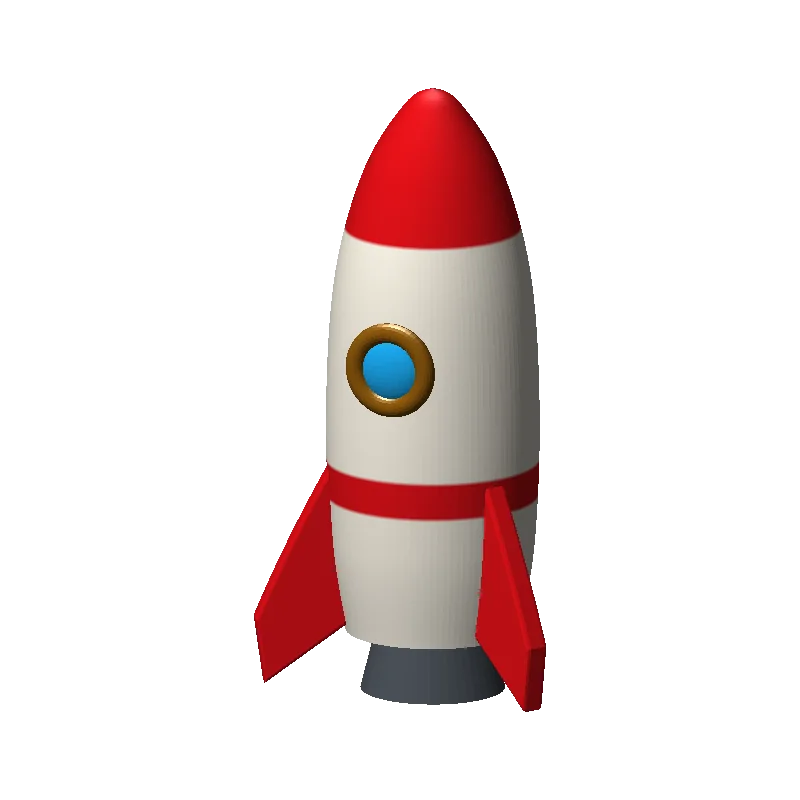
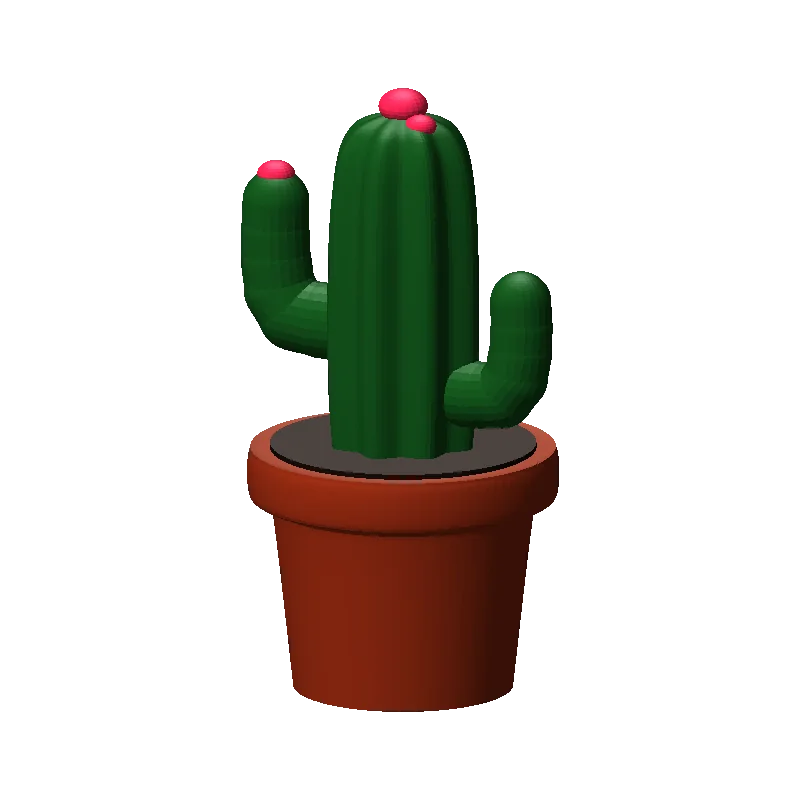
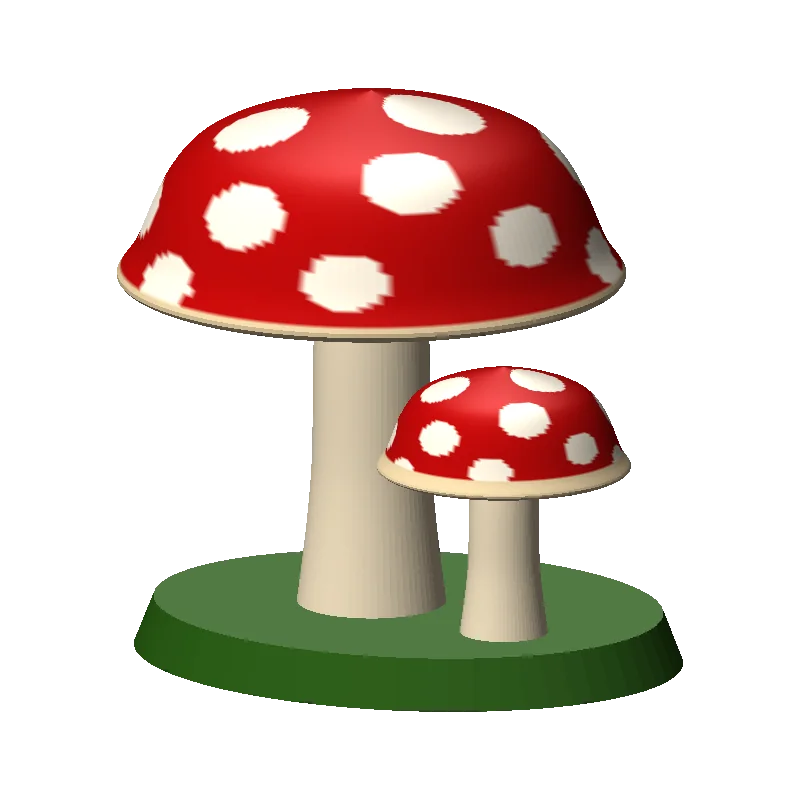
Drag any model to turn it. We modelled these in code to show full-colour 3D objects; each one is a free STL you can download and print.
- Size
- 41.9 × 38.6 × 81 mm
- Triangles
- 34,912

- Size
- 44.5 × 43.1 × 96 mm
- Triangles
- 24,436
- Size
- 46.3 × 42.6 × 83.9 mm
- Triangles
- 66,832
- Size
- 57.1 × 50.3 × 57 mm
- Triangles
- 84,736
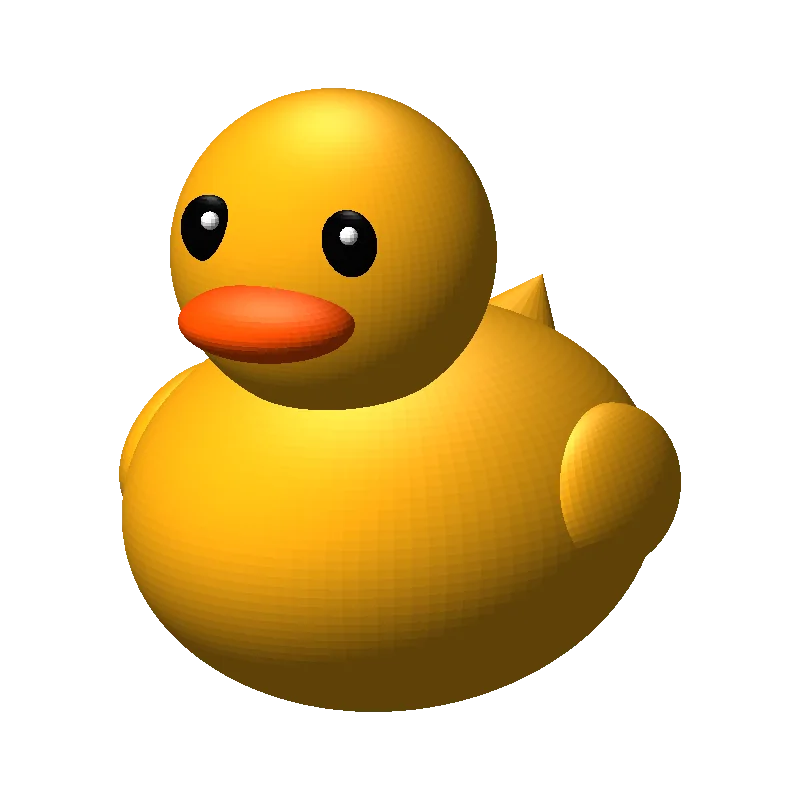
- Size
- 48 × 64.9 × 56.2 mm
- Triangles
- 34,208
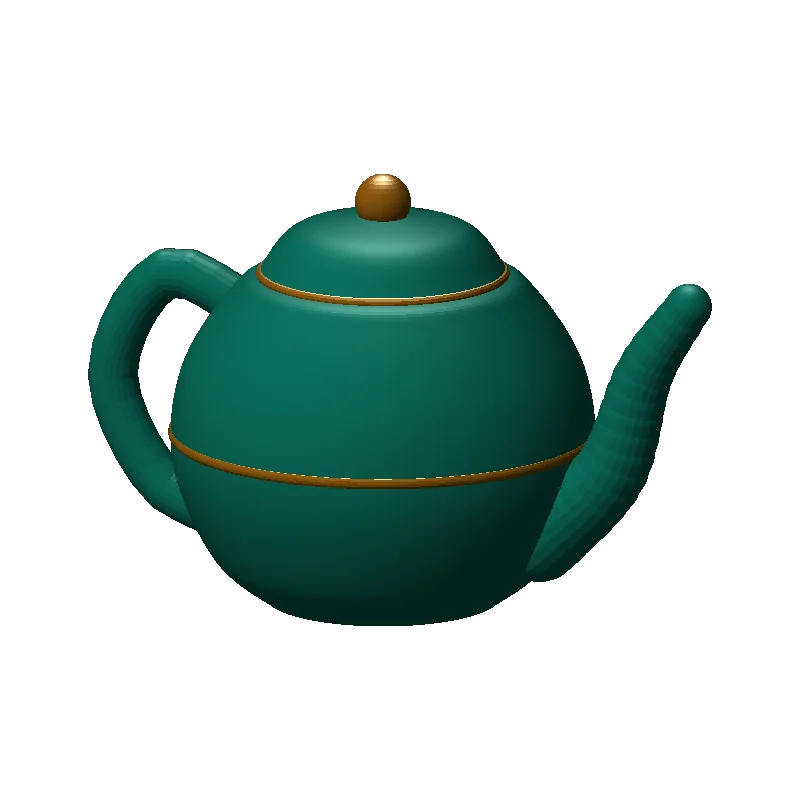
- Size
- 87.2 × 55.2 × 56.1 mm
- Triangles
- 99,744
Standard vs HD
Standard and HD differ in the model used, the detail they capture and whether colour comes back. Both go through the same repair, scaling, base option and report card. We have not finished our own measured comparison of the two tiers, so the table describes what each returns, not benchmark scores.
Our measured comparison of generation time and success rate per tier will be published after the benchmark run. For reference, provider list prices on fal.ai, checked 2026-11-18, range from $0.02 per TRELLIS generation to $0.40 for Rodin v2.5; those are what providers charge, not what you pay here.
| Standard | HD | |
|---|---|---|
| Model class | TRELLIS (MIT licence) | Tripo or Rodin class |
| Cost | 13 credits | 25 credits |
| Geometry detail | Good overall shape, softer small features | Finer surface detail and sharper edges |
| Colour | None; geometry only | Textured GLB |
| Downloads | STL, 3MF, GLB | STL, 3MF, textured GLB |
| Repair, scaling, base, report card | Yes | Yes |
| Failed job | Credits refunded automatically | Credits refunded automatically |
What single-image reconstruction can do
From one photo, current models produce a closed, plausible 3D shape of a single object: the overall proportions, the silhouette from the camera side, large surface forms and, on HD, a colour texture. They work best on familiar object types such as animals, toys, furniture, vases and characters, because they have learned how such things usually look.
The result is a reconstruction, not a scan. Photogrammetry uses dozens of photos from all angles and measures the object; a single-image model predicts. That makes it fast and convenient, and also means the output is an interpretation of your photo.
What it cannot do
One image does not contain the back of the object, so the AI guesses it. It struggles with very thin parts, transparent or mirror-like surfaces, text and fine patterns, and scenes with many objects. It will not give you exact measurements of the real object; you set the size yourself.
- Hidden back side: invented from typical shapes; a logo on the back of a mug will not appear.
- Thin parts: antennae, whiskers, straps, spokes and chair legs may be thickened, merged or lost.
- Transparent and reflective objects: glass, chrome and water confuse depth; the model may fill or flatten them.
- Text and fine print: rarely reproduced as readable geometry; add it later with the text to STL tool.
- Multiple objects: a table with five items becomes one merged lump or one chosen object.
- Real dimensions: the scale comes from your target height, not from the photo.
Best input photos
Use a sharp photo of a single object filling most of the frame, on a plain contrasting background, in soft even light. Shoot from slightly above and to one side so the top and one side are visible. Avoid hard shadows, motion blur, heavy filters and objects cut off at the frame edge.
| Works well | Works poorly |
|---|---|
| One object, plain background | Cluttered shelves or rooms |
| Three-quarter view, slightly above | Straight-on flat front view |
| Soft daylight or a light tent | Harsh flash with dark shadows |
| Matte, opaque surfaces | Glass, chrome, water |
| Chunky shapes | Wire, lace, foliage |
| Whole object in frame | Object cropped at the edge |
GLB with texture vs STL geometry
GLB is a 3D format that carries geometry plus materials and textures, so an HD result looks coloured in a viewer, a game engine or Blender. STL carries geometry only: triangles, no colour, no units. For printing, STL or 3MF is what the slicer needs; for viewing and colour reference, use the GLB.
Standard results are untextured, so their GLB is plain geometry too. If you plan to paint a print, the HD texture is a useful colour guide. If you plan to put the model in a scene or a game, the GLB is the file to keep. The stl vs 3mf vs obj guide explains the formats in more detail.
Licensing and regions
Models you generate may be used commercially, including sold as prints, subject to the terms of the provider used for your region and your rights in the photo. Some open-weight models are not licensed in the EU, UK or South Korea; visitors there, or whose country is unknown, are routed to other providers.
Only upload photos you have the right to use. A picture of a branded toy or a sculpture by another artist does not give you rights to sell copies of it, whatever tool makes the model.
Troubleshooting
The back of the model looks wrong
That side was never in the photo, so it was guessed. A three-quarter view that shows more of the object helps. For important details on the back, model or sculpt them yourself after downloading.
The model includes part of the background
The provider could not separate subject from background. Retake the photo on a plain contrasting surface, or crop and remove the background in an image editor before uploading.
A glass or metal object came out solid or distorted
Transparent and reflective surfaces have no reliable depth cues in one photo. Matte versions of the object, or a photo with diffuse light that reduces reflections, give better results.
The STL has no colour
STL never stores colour. Colour is in the HD GLB texture. Standard tier returns geometry only. To print in colour, paint the model or split it by region in a multi-material slicer.
The generation failed
Your credits were returned automatically; check your balance on the account page. Try again with a clearer photo, and if it keeps failing with the same image, contact support with the job ID.
Frequently asked questions
Can I make a 3D model from one photo?
Yes, with AI reconstruction. The front will follow the photo and the hidden back is predicted. For an accurate copy of a real object, photogrammetry with many photos is still the better method.
Is there a free 3D model from photo option?
The AI route uses credits, and new accounts get 8 free credits to try it. The relief and lithophane tools are fully free, but they turn the photo into a flat plate rather than rebuilding the object.
What is the difference between Standard and HD?
Standard uses TRELLIS and returns geometry only for 13 credits. HD uses a Tripo or Rodin class model, captures finer detail and returns a textured GLB for 25 credits.
How accurate is a 3D model from a photo?
Accurate in overall shape from the camera side, approximate elsewhere. Thin parts, text and transparent materials are common weak spots. We will publish measured results per tier after our benchmark; we do not quote numbers before then.
Which file format should I download?
STL or 3MF for 3D printing, GLB for viewing, games, Blender or colour reference. All three formats are included with every result.
Can I use a photo of someone else's product?
You can make a model for personal use, but selling copies of a branded or copyrighted design needs the owner's permission. Our terms ask you to upload only images you have the rights to.
How long are my photos and models kept?
Uploaded images and generated models are deleted automatically after 7 days. Download anything you want to keep before then.
Can the AI make a 3D model from a drawing?
Sometimes. Clean, shaded drawings of a single object work better than line art. For flat logos and line drawings the extrude tool on the logo to STL page gives crisper results for free.
Last updated 2026-11-22.