How it works
1Upload SVG or PNG
SVG with filled shapes gives the cleanest edges. A PNG or JPG also works: it is thresholded to black and white and traced into outlines. Stroke-only SVG paths are skipped, and the page tells you how many were left out.
2Check the traced outline
For bitmaps, move the threshold until the outline matches the logo, and use invert if the logo is light on a dark background. Small specks are dropped automatically so they do not print as loose crumbs.
3Size the keychain
Set the logo width, how far it rises, the plate thickness and margin, and the hole diameter. The plate and hole are on by default on this page because most logo prints end up on a key ring or bag.
4Download and print with a colour swap
Download STL, 3MF or OBJ. The report card gives the size, watertight check and grams of filament. Add a colour change at the top of the plate for a two-colour keychain on any single-nozzle printer.
Settings explained
On this page the base plate and keychain hole start switched on; all other values are the extrude defaults. A 60 mm logo is a large keychain, so most people drop the width to 35 to 45 mm and the logo height to 2 to 2.5 mm.
| Setting | What it does | Start with | Higher | Lower |
|---|---|---|---|---|
| Width (mm) | Width of the logo itself, before the plate margin and hole tab are added. | 60 mm default; 35 to 45 mm for a keychain, 80 mm or more for a wall badge | Fine details become printable, heavier tag | Lighter keychain, but thin lines may disappear |
| Height (mm) | How far the logo rises above the plate. | 5 mm default; 2 to 2.5 mm for keychains | More relief and shadow, more filament | Slimmer keychain, quicker print |
| Base plate and thickness (mm) | A plate under the logo that follows its bounding box; default 2 mm thick with a 3 mm margin. | On, 2 mm thick, 3 mm margin | Thicker plate: stiffer, less likely to snap at the hole | Thinner plate: flexible, can crack around the ring |
| Keychain hole diameter (mm) | A hole in a tab on the left of the plate; default 4 mm. | 4 to 5 mm for common split rings | Fits thicker rings and clips | Neater tab, but thick rings will not pass |
| Bevel (mm) | Chamfers the top edges of the logo. | 0 default; 0.3 to 0.4 mm on keychains | Softer feel in the pocket, small details rounded off | Sharp, crisp edges |
| Threshold (0 to 1) and invert | For PNG and JPG: the brightness level that separates logo from background (default 0.5), and which side counts as the logo. | 0.5; invert for light logos on dark backgrounds | More of the image counts as dark, outlines grow | Less counts as dark, thin parts may break up |
Printing logo keychains
Print the keychain flat, plate down, with no supports. Use at least three walls so the area around the hole is solid, and consider 100 % infill since keychains are small and take daily wear. A colour change at the first layer above the plate makes the logo stand out in a second colour.
- Three or more perimeters around the hole are commonly recommended, so the tab is solid rather than infill.
- Keep lines in the logo at 0.8 mm or wider for a 0.4 mm nozzle; thinner lines print as one weak line or not at all.
- PLA is fine for display; PETG takes the flex and heat of a pocket or car better.
- Add the colour change at the plate thickness (2 mm by default) in the slicer layer slider.
- If the first layer lifts at the corners, add a small brim; the plate corners are where it usually starts.
3D models to print
Drag any model to turn it. We modelled these in code to show full-colour 3D objects; each one is a free STL you can download and print.
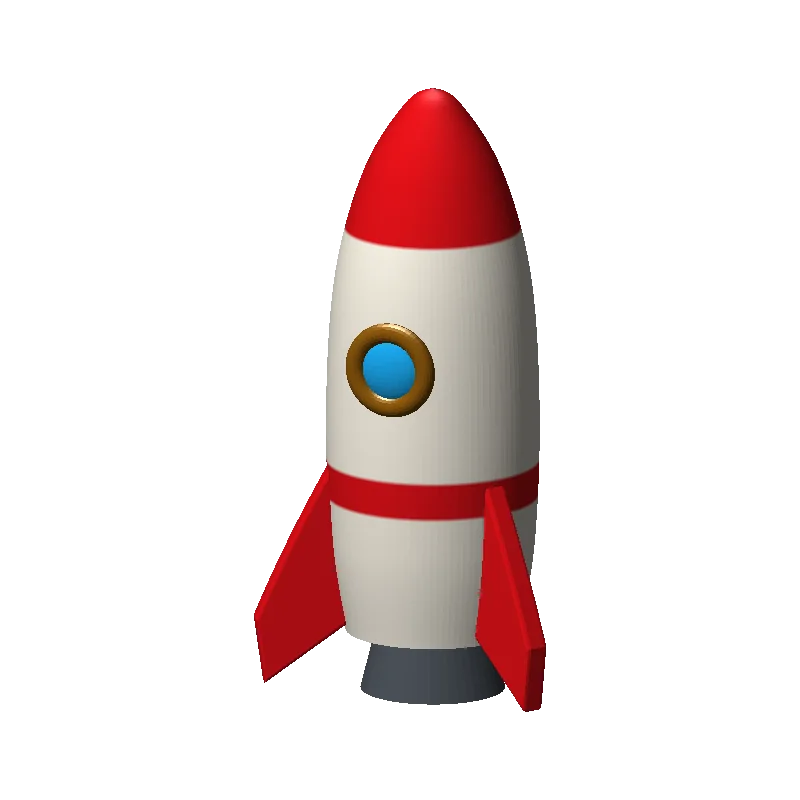
- Size
- 41.9 × 38.6 × 81 mm
- Triangles
- 34,912

- Size
- 44.5 × 43.1 × 96 mm
- Triangles
- 24,436
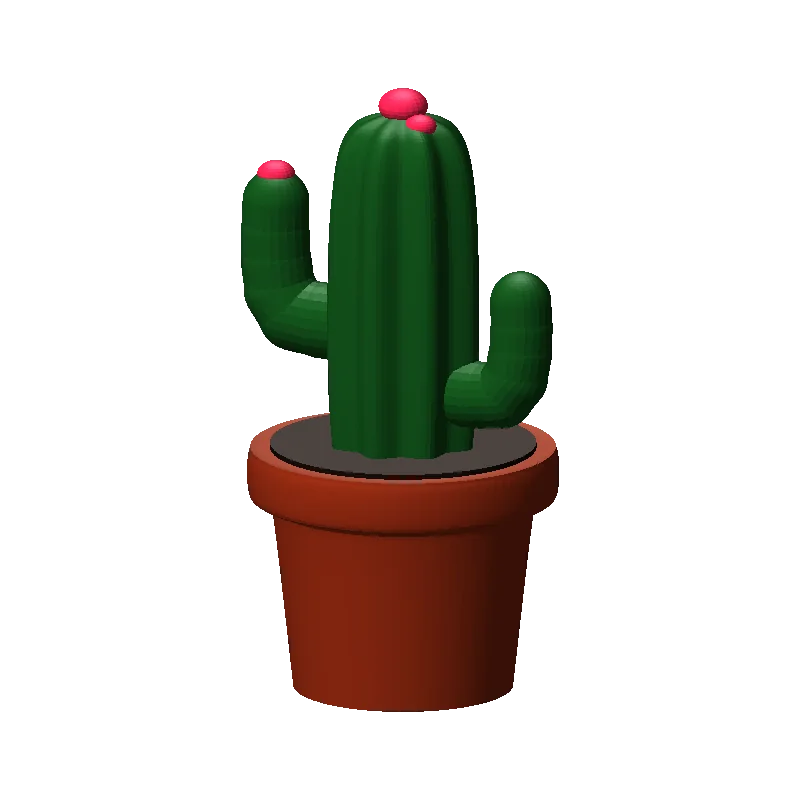
- Size
- 46.3 × 42.6 × 83.9 mm
- Triangles
- 66,832

- Size
- 57.1 × 50.3 × 57 mm
- Triangles
- 84,736

- Size
- 48 × 64.9 × 56.2 mm
- Triangles
- 34,208

- Size
- 87.2 × 55.2 × 56.1 mm
- Triangles
- 99,744
Logo to STL routes compared
Tinkercad, Bambu Studio and PrusaSlicer can import SVG files and extrude them, so you may not need another tool for a simple shape. This converter adds PNG tracing, a sized plate and keychain hole, and a print report. AI 3D generation is the wrong tool for flat logos and costs credits.
| Route | Input | Plate and hole | Print report | Cost |
|---|---|---|---|---|
| STL Genie extrude | SVG or PNG/JPG (traced) | Built in, in mm | Yes: size, watertight, grams | Free |
| Tinkercad | SVG | Build by hand from shapes | No | Free account |
| Bambu Studio / PrusaSlicer SVG import | SVG | Add a plate yourself; options vary by version | Slicer estimate only | Free |
| AI image to 3D | Photo | Not designed for flat logos | Ours: yes | Credits |
Hole sizes for split rings and clips
Most split rings use wire around 1 to 2 mm thick, so a 4 mm hole threads easily and a 4.5 to 5 mm hole is comfortable. Lanyard loops and ball chains need less; carabiner clips and thick rings may need 6 mm or more. The tab grows with the hole, keeping at least 2 mm of plastic around it.
Measure your ring with calipers if you have them, and add about 1 mm of clearance. Printed holes commonly come out slightly smaller than modelled because of how the outer wall is laid down.
| Attachment | Suggested hole |
|---|---|
| Small split ring | 4 mm |
| Standard key ring | 4.5 to 5 mm |
| Ball chain or lanyard cord | 3 to 4 mm |
| Lobster clasp or small carabiner | 5 to 6 mm |
| Thick ring or bag clip | 6 mm or more |
Plate thickness and logo height
A 2 mm plate with a 2 to 2.5 mm raised logo is a common keychain build, about 4 to 4.5 mm thick in total, which feels solid without being bulky. Signs and wall badges can use a 3 mm plate and taller relief. Below about 1.5 mm, plates flex and tend to crack at the hole.
Our paw keychain example uses a 2 mm plate, 2.4 mm logo and 4.5 mm hole, for a tag about 56.5 by 47.7 by 4.4 mm and around 8 to 9 grams of PLA. Our PNG badge has no hole and uses a thinner 1.6 mm plate under a 3 mm logo, which suits a badge that sits on a shelf or is glued in place.
Preparing a logo file
The best input is an SVG with filled, closed shapes and no strokes. In Inkscape or Illustrator, convert strokes to paths (stroke to path or outline stroke) and text to paths before exporting. For PNG, use a high-contrast black logo on white at 1,000 pixels wide or more.
- Stroke-only paths are skipped; the converter reports how many it ignored so you can fix them.
- Overlapping or self-intersecting shapes can leave holes or odd faces; union them in your design tool first.
- Gradients and shadows do not extrude; flatten the logo to one colour.
- For PNG, remove anti-aliased halos or soft drop shadows, which shift the traced edge.
- Thin outlines around letters often need thickening to at least 0.8 mm at the final printed size.
Only use logos you have rights to
Turning a logo into a keychain is copying it. Use your own logo, a client logo with permission, or artwork under a licence that allows it. Printing and selling keychains with sports team, brand or game logos without a licence can infringe trademarks and copyright, whatever tool made the file.
Personal one-off prints of a logo you like are a grey area that depends on local law; selling them is not. Marketplaces such as Etsy remove listings that use protected marks. Our terms ask you to upload only content you have the right to use, and we do not review or approve designs.
Keychain maker ideas that print well
Simple bold shapes make the best keychains: a company mark, a pet silhouette, a paw print, an initial, a club badge or a short name. Pair the logo tab with the text tab to add a name under the logo, then combine both in your slicer as one plate or print them as separate tags.
For event giveaways, print a single keychain first, check it on a real ring, then fill the bed. The report card grams figure lets you estimate how many fit on one spool before you start.
Troubleshooting
Parts of my SVG logo are missing
Those parts were stroke-only paths, which are skipped. Convert strokes to filled paths in your design tool and export again. The converter shows how many paths it skipped.
The logo has holes or broken faces
Usually open paths or self-intersecting shapes in the SVG. Close the paths and union overlapping shapes before exporting. If the report card shows watertight no, fix the source file rather than the STL.
The PNG trace has jagged or bloated edges
Adjust the threshold: higher if thin parts break up, lower if outlines merge together. Upload a larger, sharper image, and remove shadows or gradients first.
The keychain snapped at the hole
The plate is too thin or the walls around the hole are infill. Use a 2 mm or thicker plate, three or more walls, and higher infill. PETG is tougher than PLA for daily carry.
Thin lines in the logo did not print
At small sizes, lines drop below two nozzle widths. Make the keychain wider, thicken the lines in the source file, or use a 0.2 mm nozzle for detailed logos.
Frequently asked questions
How do I turn a logo into an STL file?
Upload the logo as SVG or PNG above, adjust the threshold for PNGs, set the width and height in millimetres and download. The tool extrudes the shape and adds a plate and keychain hole if you want them.
Is this keychain maker free?
Yes. The keychain maker runs in your browser with no account, no watermark and no limit. Your logo file is not uploaded to our server.
What size hole does a keychain need?
A 4 to 5 mm hole suits most split rings. Our examples use 4.5 mm. Go to 6 mm for thick rings or clips, and keep a 2 mm or thicker plate so the tab does not break.
Can I use a PNG logo instead of SVG?
Yes. A PNG or JPG is thresholded to black and white and traced into outlines. A clean, high-contrast image works best. SVG still gives the smoothest edges because it is already vector.
Can I make a two-colour logo keychain?
Yes, with a filament change. In your slicer, add a colour change at the first layer above the plate. The plate prints in one colour and the raised logo in another, on any single-nozzle printer.
Can I sell keychains with a brand logo?
Only with permission from the owner of the brand. Logos are usually protected by trademark and copyright. Selling your own logo, or a client's logo with their consent, is fine.
How thick should a 3D printed keychain be?
Around 4 to 4.5 mm in total is common: a 2 mm plate plus about 2 to 2.5 mm of raised logo. Thinner tags flex and crack; thicker ones get bulky on a key ring.
Last updated 2026-11-18.